


Creator review
When jumping on viral TikTok trends, hunting down complex prompts is exhausting. With Everygen AI, I just upload a photo and get smooth, natural flow motion in seconds without guessing settings.
Momo
Short-form video creator
 Everygen AI
 Generator turns photos and prompts into smooth, cinematic AI videos. Animate pictures for social clips and stories, or start with our free Everygen AI video generator without an account.
New here? Try the free AI video generator — no sign-up needed.
Everygen AI turns photos and text prompts into smooth, cinematic AI videos using models like Veo, Seedance, Wan, and MiniMax. An independent platform not affiliated with Google.
Jump straight into the video workspace to start creating.
“A cinematic tracking shot through a futuristic cyber city with neon reflections in the rain.”
Use the Everygen AI video generator to turn a written prompt into a cinematic video clip. Describe the action, lighting, and camera movement to produce futuristic cityscapes, fantasy realms, or establishing shots without a camera or crew.
Generate from TextStarting image
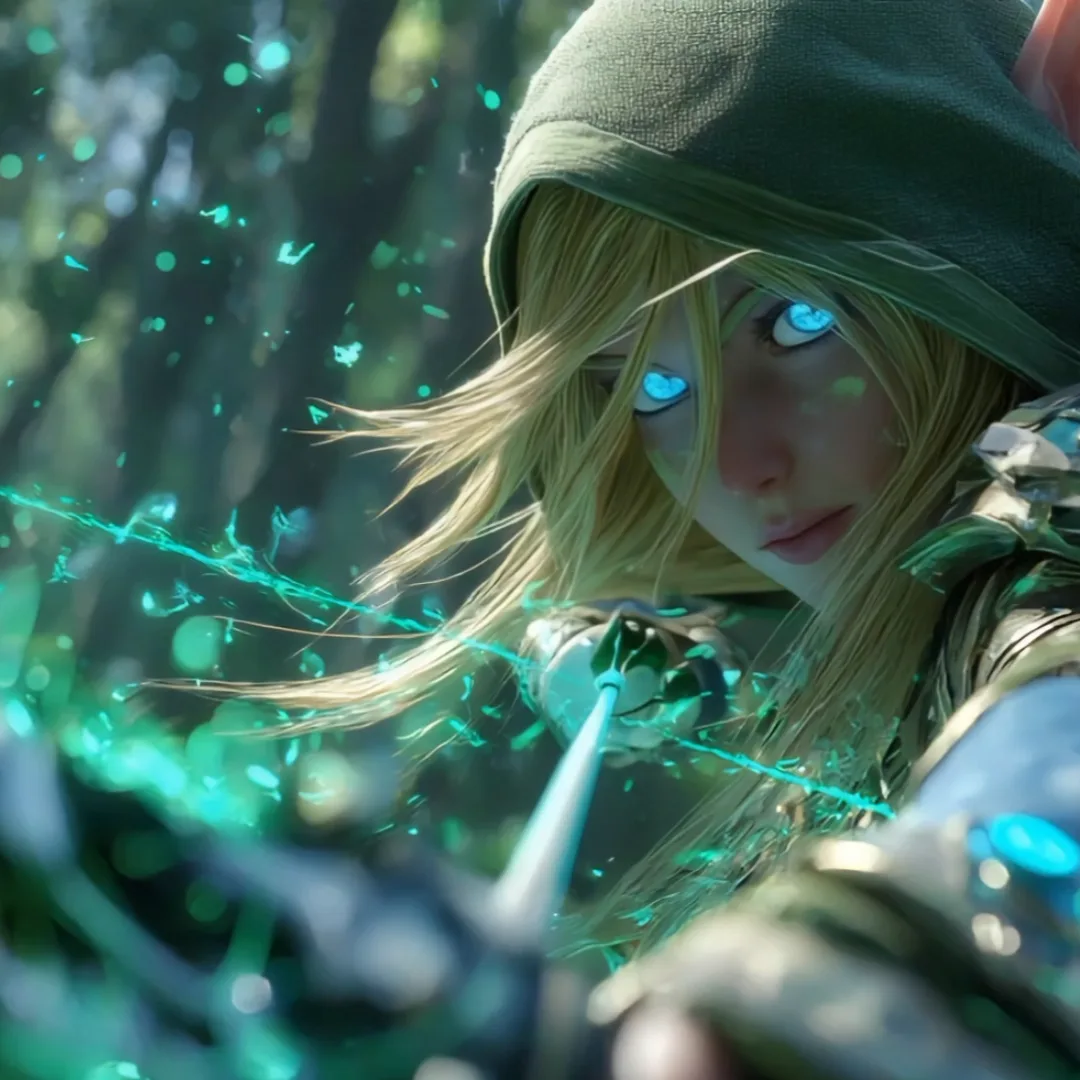
An elven archer illustration, plus a description of the action.
Animate a portrait, pet photo, landscape, or illustration with image to video AI and turn the still picture into a moving scene. Describe a gentle head turn, wind in the trees, or a slow camera push-in to add motion and atmosphere.
Animate Your PhotoReference images



Portrait, setting, and styling references.
Describe the action with text, then use image, video, or audio references to guide your creative direction. Supported models also let you set the first and last frames. Reference options and combinations vary by model.
Create with ReferencesOpening frame & Closing frame
 Opening frame
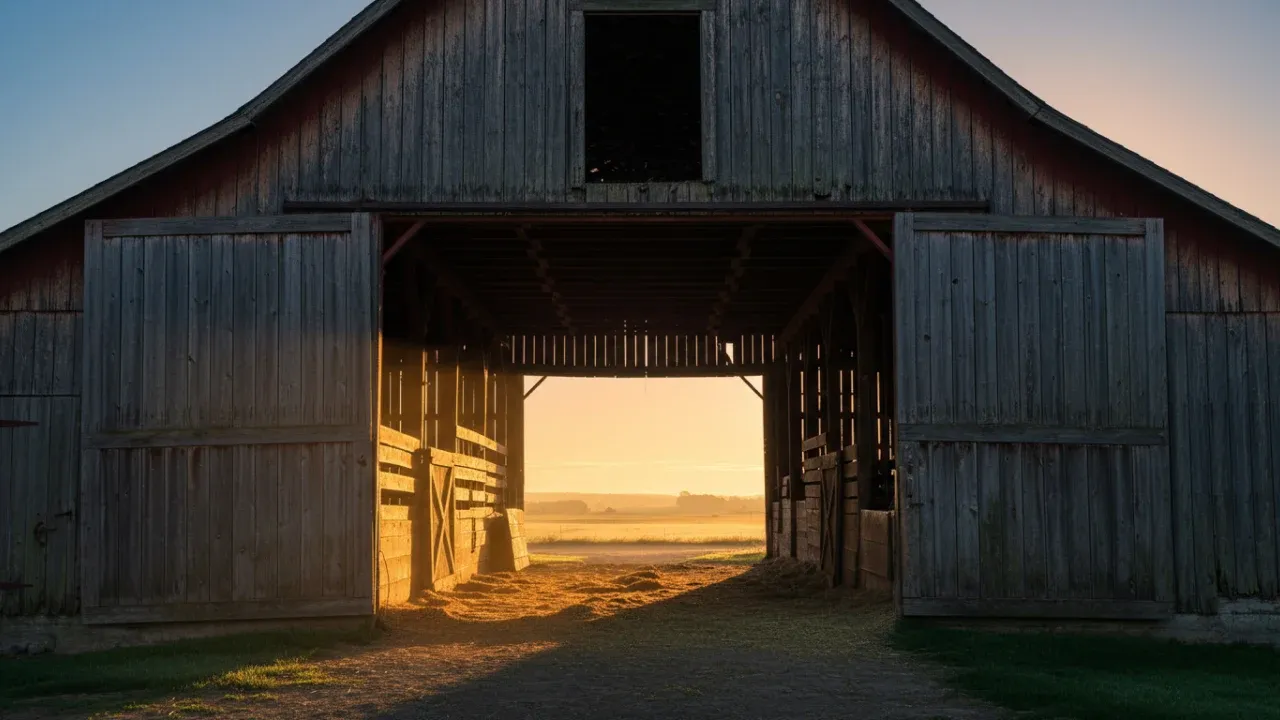 Closing frame
Choose your opening and closing images, then let Everygen AI create the natural motion between them. Give your transition a clear destination instead of leaving the final frame to chance.
Create Frame TransitionsTurn travel photos, everyday moments, and character artwork into clips for TikTok, Instagram Reels, and YouTube Shorts. Choose a supported aspect ratio and video length for your next post, or create a shot for a longer story.
Start CreatingModel · Length · Resolution · Credits
The Everygen AI video generator brings Seedance, Veo, Wan, MiniMax, and more into one platform. Compare settings and reference options, then check the estimated credit cost before you generate.
Explore Video ModelsDiscover why creators choose Everygen AI Generator: bring photos, motion prompts, and audio references into one creative workflow. Explore models, and check credits before you generate.
Swipe to see the full comparison
| Creative workflow | Everygen AI | VSWorking Across Separate Tools |
|---|---|---|
| One workspace, multiple models | Create with Seedance, Veo, Wan, and MiniMax through one interface for photos, prompts, references, and output settings. | Choose separate tools for each model and manage their different interfaces and settings. |
| Resolution for your project | Choose from the selected model’s output resolutions, with up to 4K on supported models. See the credit estimate as you adjust settings. | Check each tool’s resolution options and pricing separately before choosing an output. |
| Control over camera movement | Describe pans, push-ins, and subject movement. Guide the shot with reference clips or first and last frames where supported. | Translate your shot direction into each tool’s prompts and reference controls. |
| References for your characters | Use portraits and supported reference images to guide appearance, expression, and action. Refine the prompt and review the result in your workflow. | Prepare character references and configure the supported inputs in each tool you use. |
| Build on your existing material | Return to a draft with its photos, prompt, and settings, then explore another direction without starting from a blank page. | Keep track of source files, prompts, and settings across separate projects and tools. |
| Audio as creative input | Add audio alongside visual references with models that support it, keeping sound references and visual direction in the same workspace. | Find a model that accepts audio references, then prepare its required combination of inputs. |
| Trending effects, ready to try | Browse effects like Raindance and Hotel Lobby, preview the result, and check photo requirements before uploading. | Find an effect, locate a usable template or tutorial, and check which photos it needs. |
| An easier starting point | Use a template with a built-in motion prompt, or write your own direction when you want more control. | Build your own prompt or bring one from a separate template or tutorial. |
| Costs visible before generation | Check estimated credits for the model and output settings before each generation. | Compare separate pricing systems and work out the cost of each attempt. |
This compares workflows across separate tools. 4K output, first and last frames, and reference types depend on the model. References guide generation; review character consistency, visual details, and any generated audio.
From testing our free Everygen AI video generator to producing high-definition motion clips in the multi-model studio, here is how creators use Everygen AI.
When jumping on viral TikTok trends, hunting down complex prompts is exhausting. With Everygen AI, I just upload a photo and get smooth, natural flow motion in seconds without guessing settings.
Momo
Short-form video creator
The free Everygen AI video generator tier is unmatched. I tested out atmospheric motion and breeze effects without signing up or entering a card, and got a crisp MP4 with zero watermark for Reels.
Ari
Lifestyle creator
Most video generators warp facial features the moment there is movement. Everygen AI keeps face geometry intact while adding believable flow dynamics and cinematic depth.
Lynn
Content planner
Efficiency is everything for my content. I use the free everygen ai video generator to prototype ideas, then open the studio with Wan 2.2 and Seedance for high-res final cuts. All drafts stay in one place.
Kai
Social media manager
As a portrait photographer, my fear is losing the subject's likeness in AI motion. Everygen AI respects the original facial anatomy and adds delicate motion to hair and lighting without plastic distortion.
Nana
Portrait photography fan
Nothing is worse than platforms burning credits in an opaque black box. In Everygen AI, selecting the model, clip duration, and resolution shows the exact estimated credits upfront, so I can budget client revisions accurately.
Alex
Freelance designer
Animating pet photos usually ruins fur texture and eye sharpness. With Everygen AI video generator, my cat's ear twitches and blinks look lively and seamless. Engagement on my pet shorts doubled right away.
Chloe
Pet account creator
Small brands can't hire a film crew for every product drop. I feed our still catalog photos into Everygen AI to generate elegant camera sweeps and lighting shifts that look like high-end commercial ads.
Jules
Independent shop owner
I don't have hours to configure complex local nodes or test 50-word prompt formulas. Everygen AI brings top models like Wan 2.2, Veo, and MiniMax into an intuitive studio where anyone can create smooth AI flow videos effortlessly.
Leo
Everyday video creator
When jumping on viral TikTok trends, hunting down complex prompts is exhausting. With Everygen AI, I just upload a photo and get smooth, natural flow motion in seconds without guessing settings.
Momo
Short-form video creator
Efficiency is everything for my content. I use the free everygen ai video generator to prototype ideas, then open the studio with Wan 2.2 and Seedance for high-res final cuts. All drafts stay in one place.
Kai
Social media manager
Animating pet photos usually ruins fur texture and eye sharpness. With Everygen AI video generator, my cat's ear twitches and blinks look lively and seamless. Engagement on my pet shorts doubled right away.
Chloe
Pet account creator
The free Everygen AI video generator tier is unmatched. I tested out atmospheric motion and breeze effects without signing up or entering a card, and got a crisp MP4 with zero watermark for Reels.
Ari
Lifestyle creator
As a portrait photographer, my fear is losing the subject's likeness in AI motion. Everygen AI respects the original facial anatomy and adds delicate motion to hair and lighting without plastic distortion.
Nana
Portrait photography fan
Small brands can't hire a film crew for every product drop. I feed our still catalog photos into Everygen AI to generate elegant camera sweeps and lighting shifts that look like high-end commercial ads.
Jules
Independent shop owner
Most video generators warp facial features the moment there is movement. Everygen AI keeps face geometry intact while adding believable flow dynamics and cinematic depth.
Lynn
Content planner
Nothing is worse than platforms burning credits in an opaque black box. In Everygen AI, selecting the model, clip duration, and resolution shows the exact estimated credits upfront, so I can budget client revisions accurately.
Alex
Freelance designer
I don't have hours to configure complex local nodes or test 50-word prompt formulas. Everygen AI brings top models like Wan 2.2, Veo, and MiniMax into an intuitive studio where anyone can create smooth AI flow videos effortlessly.
Leo
Everyday video creator
Image to video, photo to video, or text to video: with Everygen AI video generator, it takes three simple steps with no editing skills.
Add a clear JPG, PNG, or WebP picture, such as a portrait, pet photo, landscape, or product shot.
Tell the AI how the photo should move: a smile, a head turn, hair in the wind, or a slow camera push-in.
Choose a model, video length, and resolution, check the credit estimate, then generate. Preview the result and download your video for TikTok, Reels, or YouTube Shorts.
One credit balance for every video model on Everygen AI
Billed annually ($144.00/year)
Billed annually ($174.00/year)
Billed annually ($1,188.00/year)
Prices are in USD and exclude VAT and local taxes, calculated at checkout.
Video counts use the cheapest option (5 credits per video). Longer or higher-resolution videos use more credits.
Top up when you need more room to create. A one-time purchase for subscribers.
Everything you need to know about Everygen AI, models, prompts, credits, and workflow.
Everygen AI is an all-in-one AI creative studio designed for video creators, marketers, and storytellers. It aggregates leading generative AI models into a single workspace, allowing you to generate videos from text prompts, bring still photos to life with image-to-video motion, and craft engaging social clips without managing separate subscriptions.
Yes. Everygen AI allows generating continuous scenes and chained sequences. Creators can set first and last frames to create seamless transitions, stitch shots together, and export watermark-free high-definition clips perfect for YouTube Shorts, TikTok, and Instagram Reels.
Describe the subject, motion dynamics, lighting, and camera movement clearly. For example: "A sleek sports car cruising through a neon-lit futuristic city at dusk, cinematic wide angle, smooth drone tracking shot." Everygen AI also offers ready-made prompt templates and presets.
Yes, you can explore Everygen AI features and test prompts. To unlock higher resolution rendering, priority generation queues, and extended commercial licenses, credit packs and premium plans are available.
Yes, all content generated under paid plans on Everygen AI comes with full commercial usage rights for marketing, client deliverables, YouTube monetization, and social media campaigns.
Start with the reference inputs, aspect ratio, video length, and credit budget your project needs. Everygen AI offers Seedance, Veo, Wan, MiniMax, and more, with different options for each model. Some support output up to 4K. Compare results using the same photo and a similar motion prompt to find a model that suits your shot.
Models with multimodal reference support let you combine inputs: text for the action, images for the subject or setting, and video or audio for additional creative direction. Supported types, upload limits, and combinations vary by model; check the workspace options. Audio reference support does not mean every model offers voiceovers or lip sync.
You can try subtle movements such as breathing or hair moving in a breeze. With a model that supports first and last frames, use the same photo for both and request a smooth loop in your prompt. Matching frames do not guarantee seamless motion throughout the clip. Check the transition and trim or edit the result if needed.
Yes. Use product photos to create camera moves and close-ups for product showcases or social content. Describe the features that should stay unchanged, then check logos, text, colors, and shapes before publishing. For ads or client projects, also confirm that your media, music, and the selected model’s terms permit your intended use.
Uploaded media is not automatically displayed on public pages. Unsubmitted drafts stay in your current browser. When you generate a video, your selected media and prompt are sent to the video generation service for processing. See the Privacy Policy for media handling and retention details.
Upload an image or enter a prompt, select your preferred model, and start generating cinematic clips with Everygen AI.